
Practical guide
How to Calculate Age Correctly Around Birthdays
Calculate age in completed years, understand birthday cutoffs and leap-day cases, and avoid common errors in forms and records.
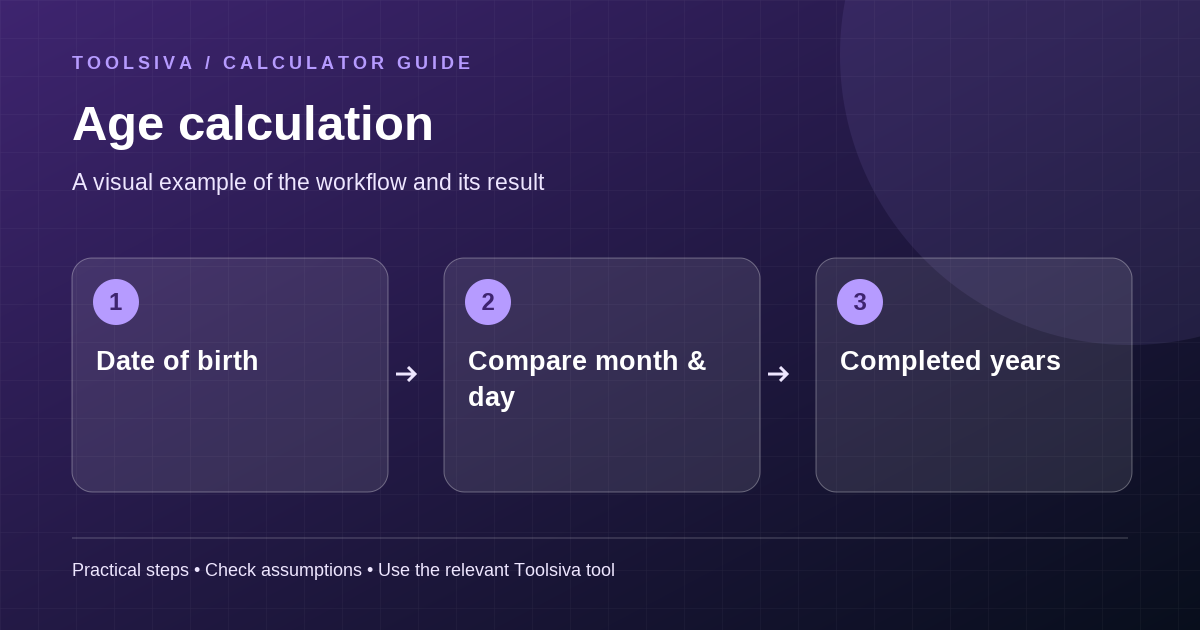
Age is easy to describe in conversation, but calculating it correctly means checking more than the year printed on a birth certificate. You need a birth date, a reference date, and a decision about whether a birthday has already happened in the current year. Subtracting the years alone can give an answer one year too high.
Open the Toolsiva Age Calculator to try the examples below. The current tool asks for a date of birth and calculates completed years as of today, using your browser’s local calendar date. It does not currently provide a month-and-day breakdown or let you choose a different reference date.
The rule: has the birthday happened this year?
Start by subtracting the birth year from the reference year. Then subtract one if the person has not yet reached their birthday on the reference date.
Consider someone born on December 20, 2000. On November 15, 2026:
- Year difference: 2026 − 2000 = 26.
- December 20 has not arrived in 2026.
- Completed age: 25 years.
For someone born on January 1, 2000, the same reference date gives 26 completed years, because the birthday already occurred.
A useful mental check is to ask: How many birthdays has this person passed? That is what a completed-year age is counting.
Example: calculate age using Toolsiva
- Visit the Age Calculator.
- Choose a valid date of birth in the Date of birth field.
- Read the result in years. The tool updates as the input changes.
- Check the date on your device: the calculation uses its local today, which can matter around midnight or when you travel.
- If you need a different reference date—say an age at the start of a course—use the birthday rule above rather than interpreting today’s result as a past-age lookup.
For this example, imagine your device’s date is November 15, 2026. Enter 2000-01-01. The expected result is 26 years. Try changing the birthday to 2000-12-20; the expected completed age is 25 years.
Why subtracting years alone can be wrong
The shortcut current year − birth year counts calendar-year labels, not completed birthdays. On January 2, somebody born on December 31 may not have reached their birthday for almost another full year. When planning eligibility deadlines or filling a form, this distinction matters.
| Date of birth | Reference date | Completed years | Why |
|---|---|---|---|
| 2000-01-01 | 2026-11-15 | 26 | Birthday already passed |
| 2000-12-20 | 2026-11-15 | 25 | Birthday still ahead |
| 2008-11-15 | 2026-11-15 | 18 | Birthday is today |
| 2008-11-16 | 2026-11-15 | 17 | Birthday is tomorrow |
These are illustrative examples on a fixed reference date, not live results that always remain the same.
Leap-day birthdays need special attention
Someone born on February 29 has a straightforward anniversary in leap years. In a non-leap year, the legal or administrative treatment of that birthday can differ between jurisdictions and organizations. Toolsiva’s current completed-year calculation advances a February 29 birth date when the calendar passes March 1 in a non-leap year. This is a software convention, not a legal determination for eligibility, contracts or age-restricted services.
For official purposes, use the rule provided by the authority requesting the information, even if it differs from a general online calculator.
Age versus days between dates
Age in completed years and elapsed calendar days answer different questions. To find how many days fall between two particular dates, use the Date Difference Calculator. That tool accepts a start date and an end date and counts calendar days rather than birthdays.
Neither result is a substitute for checking the wording on an official document. A form may ask for age on a specified day, age at the end of a calendar year or a complete birth date. Read the requirement before choosing which calculation to use.
Quick troubleshooting
The result seems one year too high. Confirm whether the birthday has happened this year. Also check that the date picker hasn’t reversed the month and day.
The result changes unexpectedly near midnight. Your device’s local date may have advanced; try again after checking its time zone.
The date of birth is in the future. The tool rejects future dates rather than displaying a negative age.
You need months and days, not just years. The current Age Calculator presents completed years only. Don’t treat its output as an exact years-months-days interval.
The reliable approach is simple: use the correct dates, count completed birthdays, and treat official age rules as separate from a general-purpose calculator.