
Practical guide
How to Solve a Missing Value in a Proportion
Solve a missing term in an equivalent proportion, verify the result using 6:9 and 10:x, and recognize cases where ratios do not apply.
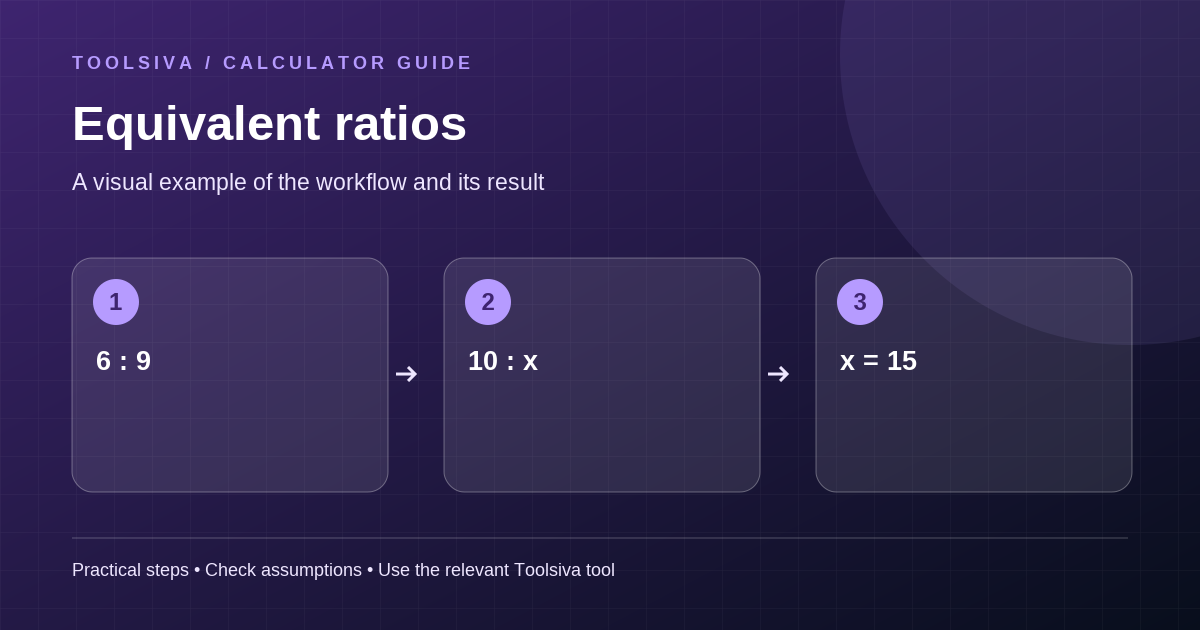
A proportion says that two ratios express the same relationship. It is useful for scaling recipes, reading map distances, comparing equivalent quantities and solving “if this much corresponds to that much, what about a different amount?” problems.
The illustration uses another valid example: 6/9 = 10/D, giving D = (9 × 10) ÷ 6 = 15. The field order and the reasoning are the same as in the worked example below.
Toolsiva’s Proportion Calculator is designed for a specific form:
A / B = C / D
You enter A, B and C. The tool solves for the missing D.
Worked example: 2/5 = 8/D
Set A = 2, B = 5 and C = 8.
We want:
2 / 5 = 8 / D
Cross multiplication gives:
2 × D = 5 × 8
Therefore:
D = (5 × 8) ÷ 2 = 20
To verify, calculate both sides: 2 ÷ 5 = 0.4 and 8 ÷ 20 = 0.4. They match.
| Input field | Enter |
|---|---|
| A | 2 |
| B | 5 |
| C | 8 |
| Missing D | 20 |
These are the same default example values displayed in the tool.
How to enter a proportion correctly
The most common error is writing the quantities in different orders on the two sides of the equation. If the first fraction compares cups of concentrate to cups of water, the second fraction must compare concentrate to water too.
For example, a mixture uses 2 cups of concentrate for every 5 cups of water. With 8 cups of concentrate, how much water is needed?
concentrate / water = 2 / 5 = 8 / D
The answer is 20 cups of water. You can check it by scaling both original amounts by four: 2 → 8 and 5 → 20.
If you had accidentally reversed the second ratio to water / concentrate, cross multiplication would solve a different equation, even though the arithmetic might look convincing.
When cross multiplication is valid
The equation A/B = C/D assumes a meaningful equal-ratio relationship and nonzero denominators. The Toolsiva implementation rejects values when A or B is zero, so it cannot express every mathematically possible degenerate case. It also requires finite numeric inputs.
A proportion calculator does not establish that a real-world relationship is proportional. For example, doubling a product quantity does not always double the price if discounts, fixed fees or minimum charges apply. It is your job to decide whether a constant ratio is the right model.
Compare with a ratio calculator
The Ratio Calculator simplifies two whole-number terms, such as 12:18 → 2:3. It does not solve for an unknown fourth quantity. Use the Proportion Calculator when the problem already says two ratios should be equal.
Another related idea is percentage. A percentage is a ratio with a base of 100. For instance, 25/100 = 1/4. If your task is finding 25% of 80, the Percentage Calculator is a more direct choice.
Common mistakes and how to catch them
Mixing different units. If one side is measured in metres and the other in centimetres, convert to the same unit before setting up your equation.
Putting B and C in the wrong fields. Write the equation on paper first, then label A, B, C and D. The calculator is not able to infer which pair of quantities you intended.
Dividing by zero. The rearrangement D = B × C / A cannot be used when A = 0. Toolsiva shows a status message rather than an ordinary result for invalid inputs.
Rounding too early. For money or measurements, keep enough precision until the final step. The display is rounded for readability, not a guarantee of measurement accuracy.
The strongest habit is to substitute your answer back into the original equation. If the two sides are not equal to a reasonable precision, revisit the setup before using the result.