
Practical guide
How to Calculate a Tip and Split a Restaurant Bill
Calculate a restaurant tip, total and even split with an $80 example, while checking taxes, existing service charges and rounding.
The check arrives, somebody offers to leave the tip, and everyone reaches for a phone. You only need three inputs to settle an equal bill split: the bill amount, the tip percentage and the number of people sharing the total. The useful part is knowing exactly which amount the percentage applies to.
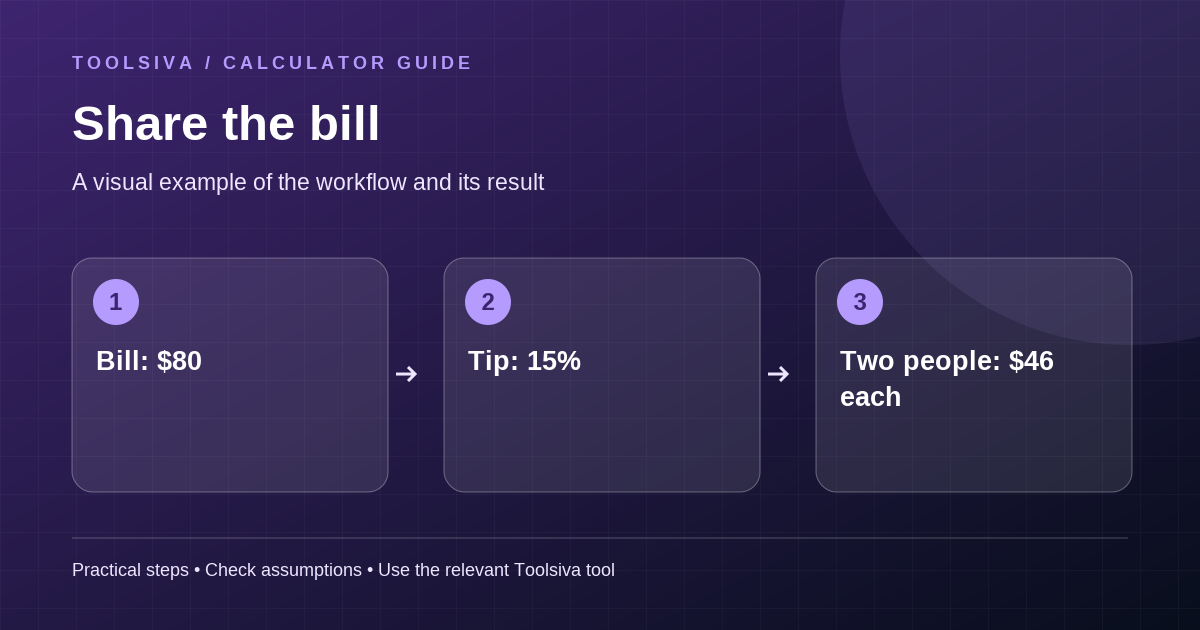
The illustration demonstrates $80 with a 15% tip for two people: the tip is $12, the total is $92 and the equal share is $46 each. The separate three-person example below lets you practice a different set of numbers.
The Toolsiva Tip Calculator takes Bill amount, Tip (%), and People. It displays the tip amount, the total after tip and the amount per person. The calculation assumes an equal split; it does not automatically divide the bill by what each diner ordered.
A real-number example: $84 shared by three diners
Assume the bill is $84.00, the chosen tip is 18%, and three people split everything evenly.
| Step | Calculation | Amount |
|---|---|---|
| Original bill | Given | $84.00 |
| Tip | $84 × 0.18 | $15.12 |
| Total | $84 + $15.12 | $99.12 |
| Per person | $99.12 ÷ 3 | $33.04 |
You can reproduce this in the Tip Calculator: enter 84, 18, and 3. The main result should be 33.04, with the total and tip shown beneath it. No currency selector is involved—the math works in whichever currency all inputs use.
The tip formula
A percentage means “per hundred.” To turn 18% into a decimal, divide 18 by 100:
Tip = bill × (percentage ÷ 100)
Then:
Total with tip = bill + tip
Per-person amount = total with tip ÷ number of people
For a quick mental estimate, 10% of $84 is $8.40 and 5% is $4.20. Combining 10%, 5% and 3% gives 18%, but it is usually easier to let the calculator handle the cents.
Decide what counts as the bill before calculating
A tip percentage on the pre-tax subtotal differs from the same percentage on a tax-inclusive total. Restaurants also handle automatic gratuity and service charges differently.
Before entering a number, check:
- Is the amount the subtotal or the final bill after tax?
- Is there already an automatic gratuity for larger parties?
- Does the local tipping custom call for any additional tip?
- Is a delivery fee or service charge already included?
For example, if the restaurant has already added an 18% service charge and you enter another 18% tip, you may unintentionally pay twice. The calculator cannot read the receipt for you.
When the bill should not be split equally
Suppose one diner ordered a much more expensive meal. A fair split may require calculating each person’s food and drink share first, then allocating tax and tip according to the agreement. The Toolsiva calculator gives an equal split only.
For unequal shares, one approach is to record each person’s subtotal and apply the agreed percentage to each amount separately using the Percentage Calculator. Check that the individual amounts add back to the restaurant’s final total.
What happens when the cents do not divide evenly?
A calculator may display a rounded per-person amount. If the exact result is, for example, $100 divided between three people, each equal mathematical share is $33.3333…; collecting $33.33 from everyone leaves one cent unpaid.
An easy settlement is to let one person pay $33.34 and the others $33.33. After rounding individual contributions, always check their sum against the amount actually due.
Toolsiva’s display rounds the main result to two decimal places. The extra cents still have to be allocated between real payments if a split is uneven after rounding.
Common mistakes to avoid
Entering 0 people. A bill cannot be divided by zero. Toolsiva requires a positive whole-number people count.
Typing 0.18 instead of 18. The Tip (%) field expects a percentage, so 0.18 means 0.18%, not 18%.
Applying a discount twice. If a coupon was already deducted, use the amount you actually decided to tip on. For discount arithmetic, see the Discount Calculator.
Assuming the tool recommends a tip rate. The calculator performs the math; the percentage is your choice and depends on local customs and service.
A good final check is to read the receipt, confirm the tip basis, calculate the total and make sure the individual payments add up to the same amount.